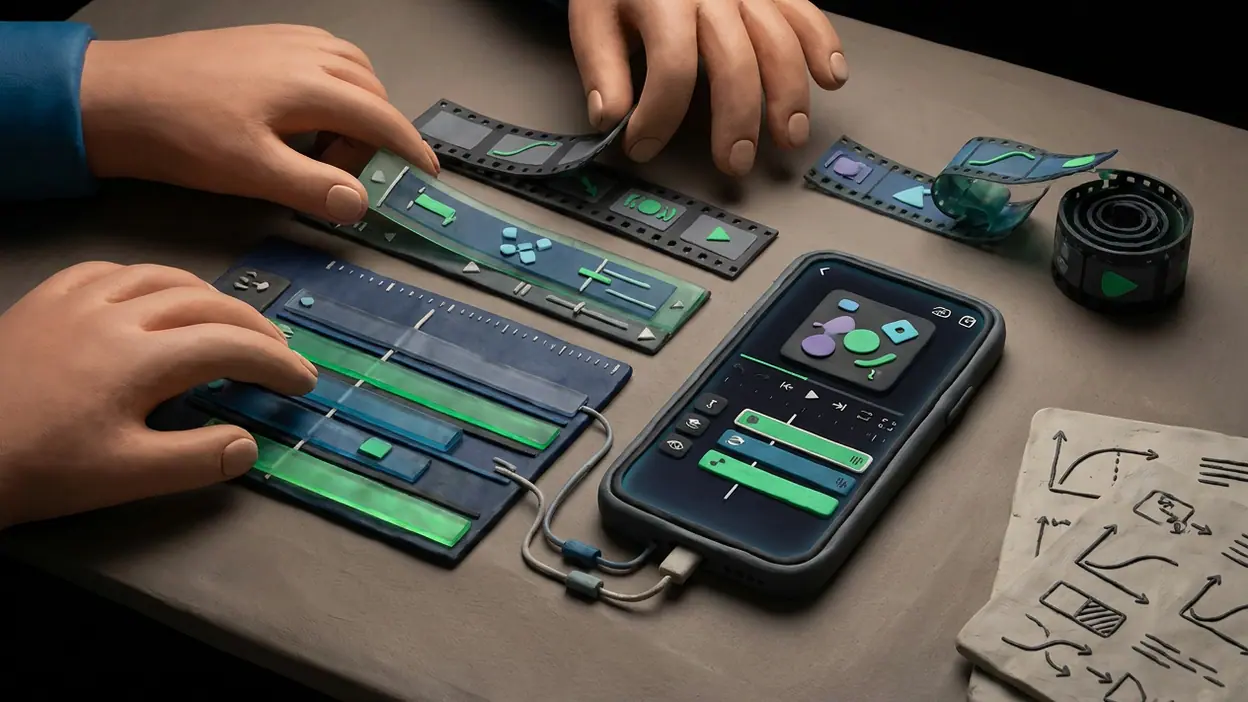
Alight Motion Is Turning Phones Into Animation Desks
 Analysis by Appyee
Mobile video editing is splitting into two lanes: quick tools for trimming and posting, and deeper editors for people who want every movement to feel intentional. Alight Motion is gathering momentum in the second lane, where keyframes, layered compositions, and motion design matter more than one-tap polish. Its appeal is not simply that a phone can edit video. It is that a phone can become a workable animation desk, right when short-form video rewards a recognizable visual style.
That shift gives the app a timely position. Creators now make clips for feeds that move quickly, but the most memorable posts often depend on deliberate craft: text that tracks a subject, images that snap into place, or a transition built around the beat rather than a preset. Alight Motion asks for more effort than a basic cutter. In return, it gives users more control over how a clip behaves from frame to frame.
From quick edits to authored motion
The case for the app starts with its editing model. A project can combine video, images, text, and graphic elements on separate layers, with timing and movement controlled through a timeline. Keyframes let an editor set a layer’s position, scale, rotation, and other properties at chosen moments, then shape what happens between them. That makes a phone edit feel less like assembling a template and more like directing a small sequence.
In practice, this distinction changes the kind of work the app invites. A user can make a title follow a moving subject, animate a still image, or build a transition whose speed changes as the clip unfolds. Those jobs take patience, and the interface can feel dense to someone expecting a simple row of filters. But the learning curve is connected to a real capability: the editor has room to grow with the person using it.
The timing matters because short-form video has raised the bar for visual identity. A creator may publish frequently, but repeating the same stock transition can make a channel feel interchangeable. A custom move, a consistent title treatment, or a distinctive rhythm can make a clip recognizable before the viewer notices who posted it. Alight Motion serves that desire for authorship without requiring a desktop workstation.
Why the timing is favorable
Mobile hardware has made layered work increasingly plausible, while creator habits have shifted toward editing wherever an idea arrives. A commuter can sketch a sequence, a student can animate a title between classes, and a small creator can revise a social clip without moving a project to a laptop. The phone is not always the most comfortable surface for precision, but it is already where footage is captured, reviewed, and shared. Bringing more of the production process there removes friction.
At the same time, audiences have become fluent in the grammar of edited video. They notice pacing, transitions, text placement, and the relationship between sound and image, even if they do not name those techniques. That puts pressure on creators to make work that feels considered. Alight Motion’s rise fits this demand: it gives ambitious users tools for visual decisions that ordinary trimming apps are not designed to handle.
There is also a practical business logic behind this kind of product. A basic editor can win a first session with speed, but a more capable editor has a reason to stay installed. Once a user understands the timeline, saves projects, and develops a repeatable workflow, switching costs become personal rather than merely technical. The value lies in accumulated skill and familiar project habits, not just in a feature checklist.
What users are signaling
Install momentum alone cannot prove why people choose an app or how often they return. Still, the type of work Alight Motion enables points to a meaningful behavior signal: users are willing to learn a more involved tool when it helps them make something distinct. The investment is visible in the process. Keyframes need placement, layers need ordering, and a polished result usually comes from multiple passes rather than one tap.
That effort can create a stronger habit than casual editing. Someone who makes a template for recurring posts, or develops a familiar way of animating captions, has a reason to come back for the next project. Reuse turns a complex editor into part of a creative routine. It also explains why tutorials and shared techniques matter so much around motion software: users are not only looking for an export button; they are learning a craft.
The strongest signal, then, is not that every user will become an animator. It is that the app meets a broad middle ground between casual posting and professional production. A fan edit, a music clip, a small business announcement, and a personal montage can all benefit from purposeful motion. The work may be informal, but the desire to make it look intentional is serious.
Where the category pushes back
Alight Motion operates in a crowded mobile editing field, but its closest comparisons reveal different priorities. PRISM Live Studio: Games & IRL is oriented toward live broadcasting, while GIPHY: GIFs, Stickers & Clips centers on expressive assets that can be dropped into conversations and posts. Video Downloader Proxy Browser and Background video recorder address still different needs. They are useful contrasts precisely because they are not substitutes for a layered motion editor.
More direct pressure comes from editors that emphasize rapid social publishing, templates, or an all-in-one workflow. Those products can make an attractive result with fewer decisions, which is a genuine advantage for users on a deadline. Alight Motion’s bet is narrower and more demanding: give control to people who want to shape timing and movement themselves. That makes the app compelling for a particular kind of creator, but less immediately welcoming than a template-first rival.
The category’s broader contest is therefore not simply about who has the longest feature list. It is about how much complexity a mobile user will tolerate before the work feels rewarding. A beginner may prefer automation; an experienced editor may want direct control. The strongest products will help users cross that gap without making them feel that every small improvement requires a lesson.
Where momentum feels strongest
Alight Motion feels most at home in projects where motion is the point rather than an afterthought. Short edits that combine footage with animated text, layered images, and carefully timed transitions make good use of its approach. The phone format suits these jobs because the finished work is often destined for a phone-sized screen, and the editor can judge the result in the same context where viewers will see it.
There is a cultural fit, too. Online creativity increasingly rewards a personal visual signature, even for people who do not identify as designers. A creator can build that signature from a few recurring choices: how captions enter, how a cut lands, how images move against the music. Alight Motion makes those choices editable. Its practical usefulness is not only that it can produce a clip, but that it can help turn repeated choices into a recognizable style.
That strength should not be confused with effortless professional production. Small controls and a compact display can make detailed timeline work slower than it would be with a mouse and a larger screen. Complex projects demand organization, and an editor who loses track of layers can spend more time managing the timeline than refining the idea. The mobile setting enables spontaneity, but it does not erase the compromises of editing on a small device.
The fragile parts of the story
The first vulnerability is accessibility. A new user can open a project and quickly discover that a timeline full of layers is not self-explanatory. Keyframes are powerful only after their logic clicks, and the difference between an impressive tool and a frustrating one often comes down to how easily people can learn that logic. The app’s depth is an asset for committed users, but it can also make first impressions uneven.
Performance and project complexity are another natural pressure point for any mobile editor. More layers and effects ask more of a device, while longer sessions make precision harder on touch controls. A smooth experience on one phone does not guarantee the same result across the range of devices people use. That means the promise of editing anywhere depends on practical limits: project size, hardware, battery, and the patience required to make fine adjustments.
There is a retention risk in serving creators who want power but also expect fast output. If a project takes too long to finish, some users will move back to templates or simpler editors. The product has to keep making the payoff clear: control should lead to a result that feels worth the extra work. A capable timeline is not enough by itself; clarity, reliable performance, and a manageable learning path are part of the creative tool.
The wider mobile lesson
Alight Motion’s relevance points to a larger change in app design. Mobile products are no longer judged only by how much they can automate. In creative categories, some users actively want controls that expose the process, because control is how they develop taste and repeat a successful technique. The best mobile tools will not necessarily hide every difficult choice. They will make the important choices understandable and keep the workflow usable on a small screen.
This also changes what momentum means. A download spike may bring attention, but sustained relevance comes when an app becomes part of how people make things. For an editor, that can mean returning to a project, developing a visual habit, or learning a technique that carries into the next post. Those patterns are more telling than a single burst of curiosity, although they are harder to observe from the outside.
For ordinary users, the payoff is concrete. A caption can arrive on the beat instead of sitting flat over the footage. A still can move with purpose. A transition can feel connected to the subject rather than pasted on from a preset. None of that requires a grand production. It requires time, a clear idea, and an editor that gives the user enough room to execute it.
That is where Alight Motion earns its place in the market. It is not the easiest route from camera roll to finished post, and it should not pretend to be. Its momentum makes sense because a growing group of mobile creators wants more than speed: they want motion they can shape, repeat, and make their own. The newsroom read is clear: as mobile video matures, tools with a real creative learning curve may become more valuable, not less, provided they respect the limits of the device and the person holding it.


