Switching to Google Keep: Easier Capture, Different Habits
 Analysis by Appyee
The real reason to switch to Google Keep - Notes and lists is not that it can replace every note-taking tool. It is that it can make the small, disposable notes you keep postponing almost frictionless: a grocery item, a measurement, a reminder to call someone, an idea caught before it disappears. If your current app feels more like a filing cabinet than a place to think, Keep may suit you better. But changing apps will not magically move your existing system with it, and the best case for switching depends on whether you are willing to change how you capture and organize information.
Why consider the move?
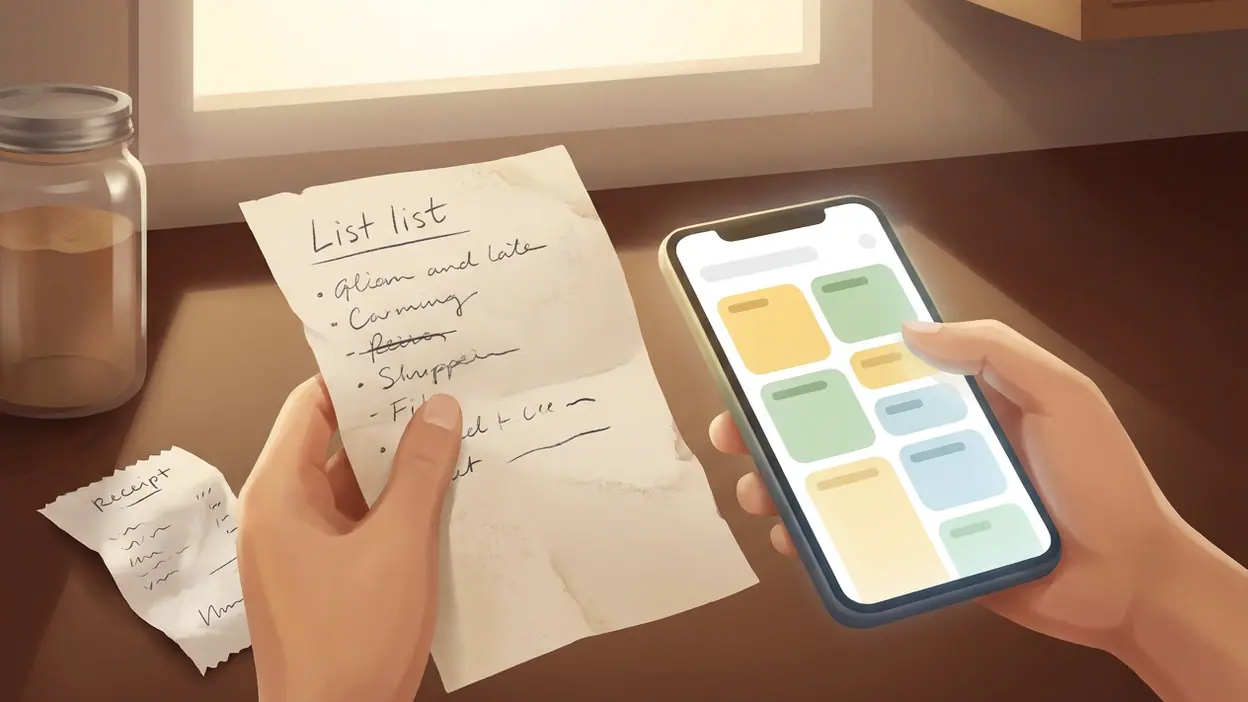
Most people do not leave a notes app because it lacks a feature they use every hour. They leave because opening it feels like a commitment. A blank page, a folder choice, or a carefully structured notebook can be more ceremony than a passing thought deserves. Keep is built around the opposite instinct: open a note, type or dictate, and get on with your day. Its cards make a collection of reminders and fragments easy to scan without requiring you to decide where every thought belongs first.
That makes the switch appealing if you want notes to stay close to ordinary life rather than become a personal knowledge-management project. Keep can hold a checklist for the market beside a note about a project, a photo of a label, and a quick voice recording. Color, labels, pins, and search provide lightweight ways to find things later. The trade-off is just as important: Keep is a practical capture surface, not a deep notebook for carefully linked research or elaborate document organization.
The familiar alternative matters. Someone leaving Microsoft Outlook may be trying to separate quick notes from a crowded email-and-calendar routine. A Samsung Notes user may already have a more document-like workspace and should ask whether Keep's lighter cards are actually an improvement. This is not a universal upgrade; it is a change in the kind of attention your notes ask from you.
The first habit that changes
The first adjustment is learning to capture now and sort later. In Keep, the useful default is often to make the note before you have named its proper home. You can add a label or color afterward, pin something important, or let search do the work. That lowers the barrier to recording a thought, but it also means the app will not impose much order on your behalf. If you rely on notebooks and folders to decide where information belongs, Keep may initially feel loose rather than liberating.
Lists are a good test of this difference. A shopping list in Keep is meant to be checked off while you are moving through a store, not polished into a permanent document. You can add items quickly and see what remains at a glance. For recurring or complex plans, though, the simple list can become a jumble unless you maintain it. The habit Keep rewards is frequent, low-effort capture; the habit it does not reward is elaborate curation.
Reminders can also change your rhythm. Keep supports time- and location-based reminders, but the feature should be treated as a prompt attached to a note, not as a full task-management system. If you currently depend on a sophisticated calendar or task workflow, test your actual reminders before deciding that Keep can take over.
Setup and migration: what to verify
There is no safe assumption that your existing notes will transfer automatically. Import, export, and account-transfer options depend on the source app and the current tools available; do not plan a move around a capability you have not confirmed. Before switching, check the specific apps and devices you use, and establish how you can preserve or retrieve important material. If a note matters legally, professionally, or personally, keep a verified copy before changing anything.
Start by installing Keep on the devices where you genuinely take notes and sign in with the Google account you intend to use. Then check that your notes appear where expected and that syncing works across your own devices. Availability and behavior can vary by operating system, account settings, and app version, so test rather than infer. If you use a work-managed account, confirm that its policies permit the way you intend to store personal or shared information.
For migration, sort your old material into three piles: notes you need to retain, notes you still use, and notes you can leave behind. Manually recreate only the active essentials in Keep if no verified transfer route suits your situation. For an archive, preserve the original in a way you have checked, rather than turning Keep into a warehouse of years of inactive scraps. That approach takes more judgment than a single import button would, but it avoids cluttering the tool before you have learned whether its workflow fits.
Also inspect shared notes and collaborative lists separately. Do not assume that sharing settings, edit history, attachments, or reminders will carry over from another service. Recreate the collaboration in Keep only after checking who needs access and testing that the people involved can use it. A migration is complete when the useful behavior works, not merely when text has been copied.
The relearning cost
Keep is easy to understand, but there is still a cost to relearning where things live. You will need to decide whether labels, colors, pins, or search are your main way of retrieving notes. Labels can be useful when you have a small, stable set of categories; too many labels recreate the filing burden the app is meant to avoid. Colors are quick visual cues, but they are not a substitute for a dependable naming system.
Search is central to Keep's loose organization. That can feel excellent when you remember a distinctive word and frustrating when your note is titled “Things” and contains several unrelated thoughts. A small change in writing habit helps: give lasting notes specific first lines, and split a long, mixed note when it becomes hard to scan. Keep does not require a formal system, but it benefits from a little consistency.
There is also a platform adjustment. The app is available on Android and iOS, but the surrounding experience may differ between devices, and some workflows are more natural on one platform than another. If you have built a routine around Samsung Notes' particular writing or device features, test the exact actions you depend on. Do not judge a replacement by how fast it creates a basic text note; judge it by the tasks you repeat every week.
What improves right away
For quick capture, the immediate gain is reduced ceremony. The interface presents notes as readable cards, and creating a short checklist or text note does not require choosing a notebook first. Voice input and image capture can help when typing is awkward or the useful detail is printed on an object. These are practical conveniences, not magic: you still need to check that a recording, image, or dictated note captured what you intended.
Keep also makes informal information feel usable. A note can be pinned near the top, marked with a color, labeled, or turned into a checklist without becoming a formal document. Search gives that loose collection a route back to the detail you need. The combination is strongest for information with a short useful life: errands, packing lists, quick references, and reminders tied to something happening soon.
The biggest improvement may be psychological. When a note takes seconds to make, you are more likely to save the small detail instead of trusting yourself to remember it. That is the app's central value, and it is concrete: fewer forgotten ingredients, model numbers, and little promises made in passing. Its usefulness comes from repeating this modest win, not from turning note-taking into a grand system.
What you may lose
Keep's simplicity has a ceiling. If your current setup depends on nested notebooks, rich page layouts, extensive formatting, or a deliberate archive, the app may feel underpowered. Notes are easy to create, but a large collection can become harder to browse when you have not named or labeled things consistently. The freedom from structure can eventually become a search problem.
Writing-focused users should be particularly cautious. Samsung Notes, for example, may fit people who make longer, more crafted notes and rely on a document-centered workflow. Keep is better at quick fragments and lists than at making a long document feel like a polished workspace. Likewise, a note-taking app should not be expected to replace email, calendars, printing utilities, or a dedicated task manager simply because those tools touch the same daily routine.
There is a privacy and account question, too. Keep is part of Google's ecosystem, so your comfort with using a Google account for this material matters. Review current account and device settings, especially for shared devices or work accounts. Do not store sensitive information merely because an app makes capture convenient; convenience does not remove the need to decide what belongs in a cloud-synced note.
A sensible parallel-use strategy
You do not need to migrate everything on day one. Run Keep alongside your current app for two or three weeks, but give each one a clear role. Use Keep for new, short-lived notes and everyday lists. Leave your existing app as the source of truth for old archives, long documents, or workflows you have not yet tested. This avoids a risky all-at-once move and gives you evidence based on your own use.
During the trial, notice how often you find a note without remembering its folder, whether labels remain manageable, and whether reminders arrive in time to help. Try the same real tasks on both apps rather than comparing feature lists. If Keep handles the things you capture most often with less effort, gradually move active material. If you repeatedly switch back for a particular feature, name that feature precisely; it may be a reason to keep both, or a sign that the switch is not worth the disruption.
When you are ready to reduce overlap, do not delete the old app or its data just to make the change feel complete. Keep access to the old source until you have confirmed that important notes are preserved and that your new routine survives ordinary weeks, not just the enthusiasm of setup. A reversible trial is better than an irreversible cleanup.
Who should stay, and who should switch?
Stay put if your current app already supports a reliable system for long-form writing, structured archives, or handwriting and document features you use constantly. Stay, too, if moving would create a complicated preservation problem or break a shared workflow that other people depend on. Familiarity is not a failure. A tool that you use consistently is more valuable than a lighter one that leaves you rebuilding your habits without a clear payoff.
The strongest candidate for switching is someone whose notes are mostly temporary but important: errands, short checklists, quick ideas, reference details, and reminders. They want to catch information quickly, find it later through search, and avoid spending time maintaining a hierarchy. In that case, Google Keep - Notes and lists can make note-taking feel like a small act rather than a project.
The verdict is a practical one: switch to Keep for speed and everyday capture, not because you expect it to inherit your old system or replace every productivity tool around it. Test it in parallel, verify your preservation plan, and move only the notes that benefit from its card-based simplicity. If your daily friction is the delay before writing something down, Keep is worth adopting. If your friction is managing a deep, carefully structured body of work, stay with the tool that already does that job well.


