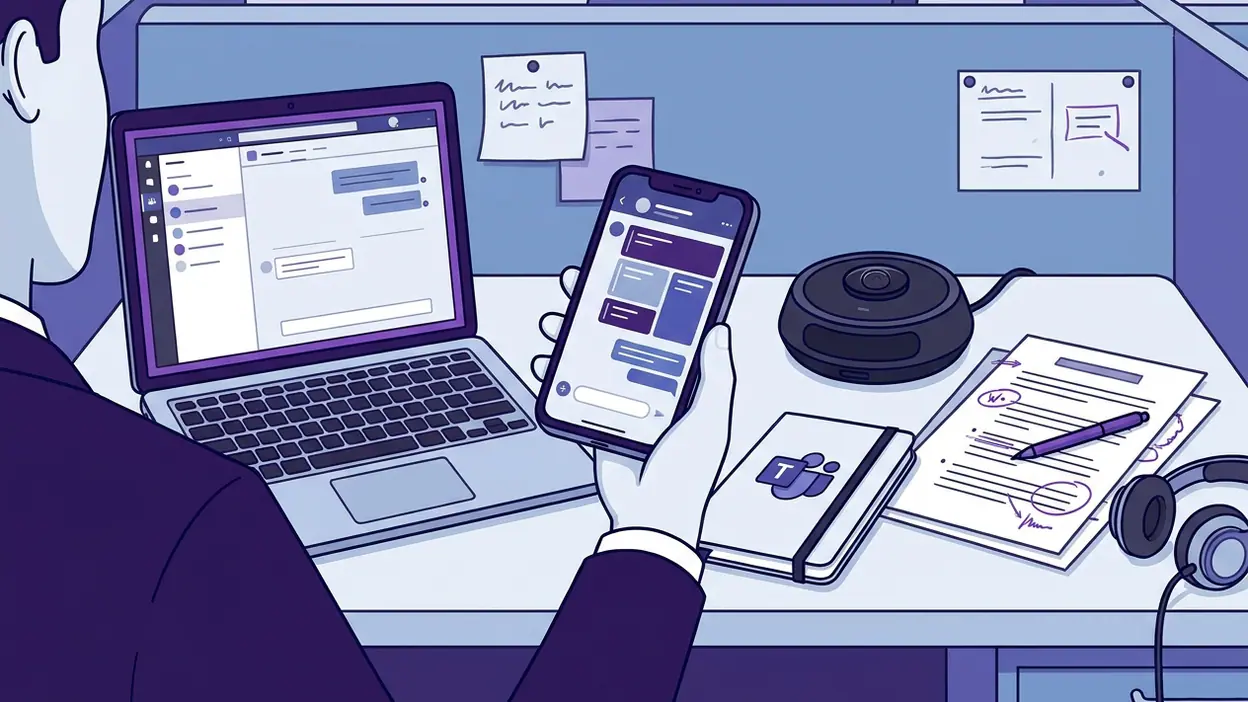
Microsoft Teams Meeting Recap Makes Call Follow-Up Easier
 Analysis by Appyee
A useful meeting does not end when everyone taps Leave. The real test comes later, when somebody needs the decision, the file, or the name of the person who promised to follow up. On mobile, Microsoft Teams is at its best when its meeting recap gathers those loose ends in one place. It cannot make a muddled conversation clear, but it can make a clear one much harder to lose.
That focus matters because Teams is often treated as a pocket version of the desktop workplace: a chat window, a calendar, a call button, and a crowded stack of tabs. The recap is more compelling than that inventory suggests. It connects the live meeting to the work that follows, giving a phone a practical role after the call rather than merely making it a smaller screen for attending one.
A meeting that leaves a trail
After a Teams meeting, the recap can bring together material associated with that session, such as a recording, transcript, shared files, notes, attendance information, and follow-up tasks, depending on how the meeting was configured and which features an organization has enabled. On a phone, the result is a compact reference point: instead of hunting through a chat thread and then a file list, you can return to the meeting and look for what happened there.
The details vary. A transcript or recording may depend on the organizer’s settings, account permissions, and available licensing. Some meetings will have a rich post-call record; others may leave only basic information. That distinction is important. Recap is not a magic memory layer that appears fully populated after every conversation, and the mobile app cannot show material that the meeting never captured.
Where the feature is available, the value lies in the relationship between the pieces. A recording preserves how something was said. A transcript makes a phrase easier to locate. Notes and tasks can turn discussion into action. A shared file gives the decision somewhere concrete to land. Teams does not just store a video; it gives the meeting a small, organized afterlife.
That is a more useful promise than “watch the call again.” Few people want to replay a forty-minute meeting to find one deadline. A searchable transcript can narrow the hunt, while the recap provides context for the recording, materials, and work that came out of the discussion. On a mobile screen, reducing the number of separate places to check is a meaningful design win.
Why the follow-up matters more than the call
Meetings create a familiar kind of administrative debt. Someone has to remember what was decided, translate that into a task, send the relevant document, and explain the result to colleagues who could not attend. Those chores often fall to the person who was already taking notes, or they simply do not happen. A recap cannot assign responsibility fairly by itself, but it can reduce the friction between remembering and acting.
That difference is easy to miss because a recap looks like a convenience feature. In a team that meets regularly, it can change the quality of the shared record. If a colleague asks why a date changed, the answer need not rely on one attendee’s recollection. If a person joins a project late, they can use the meeting material as evidence of the conversation rather than interrupting the group to reconstruct it from scratch.
The feature also supports people who move between work settings. Someone might leave a video call at a desk, check a follow-up on a train, and reopen the relevant file on a phone before meeting a client. The mobile app is not ideal for every task, but a recap makes the handoff from conversation to next step more plausible. The phone becomes a reference tool, not just an emergency conference room.
The scenario where it earns its place
Imagine a project team reviewing a launch plan. The discussion covers a revised date, a design change, and two owners for unfinished work. One person joins late; another has to leave before the end. Later, the project lead opens the meeting recap on a phone, checks the captured discussion, finds the shared presentation, and follows up on the assigned work. Instead of sending a vague message asking, “What did we decide?”, they can point to the meeting’s actual record.
This is where the feature feels strongest: recurring work with specific decisions, distributed participants, and a real cost to forgetting. It is particularly handy for project reviews, client check-ins, handoffs, and training sessions. In each case, the call is not the final product. The result is a decision, a deliverable, or a next action, and the recap gives that result a better chance of surviving the afternoon.
It is less valuable for casual conversations that require no record, or for a sensitive discussion where recording and transcription would be inappropriate. Teams’ recap should be used deliberately. A transcript can help people catch details, but it also changes the expectations around privacy and what can be quoted later. Organizers should make capture settings clear rather than assuming that every participant wants a permanent record.
How it changes the way people work
Once a reliable record exists, people can participate differently. They may spend less energy typing every sentence and more time listening, asking questions, or challenging a decision. A late arrival can consult the record instead of asking a colleague to repeat the whole discussion. A task owner can verify a deadline without treating memory as the source of truth.
There is a trade-off. Notes still require judgment. A transcript can preserve words without explaining which idea mattered, whether a comment was tentative, or why a decision changed. Automated capture is not the same as a thoughtful summary, and a recording is not automatically an action plan. The best use is to let the recap handle retrieval while a person remains responsible for interpretation and accountability.
That division of labor suits mobile particularly well. A small screen is good for checking a detail, confirming a name, or opening a document on the move; it is a poor place to review a long recording or edit a complex project plan. Teams’ recap helps the phone do the first set of jobs, while leaving heavier work to a larger screen.
Design choices that help, and the rough edges
The smart idea is grouping meeting-related material around the meeting itself. People naturally remember the event before they remember which chat, folder, or calendar entry contains the useful detail. A recap follows that mental model. It gives the user a clear starting point and helps the associated content feel like one work episode rather than a collection of unrelated links.
That strength depends on setup. Recording, transcription, notes, and task features can be controlled by organizational policy, meeting options, account type, or platform availability. A user who expects a transcript and finds none may not know whether the organizer disabled it, their account lacks access, or the feature is unavailable in that context. Teams can feel inconsistent when capability is governed by rules the mobile interface does not make obvious.
The mobile experience also inherits the limits of working on a phone. Long transcripts take patience to scan, dense meeting material can mean more tapping than a desktop user expects, and switching from recap to another app may interrupt the flow. Notifications and chats compete for attention, too. Teams is a broad workplace hub; the recap is focused, but it sits inside an app that can still feel busy.
There is a more basic limitation: a recap is only as dependable as the meeting record and the habits around it. If nobody captures the conversation, names the next steps, or shares the relevant file, the feature cannot manufacture a trustworthy account after the fact. Teams is a strong organizer of meeting residue, not a substitute for a clear chairperson or a team that follows through.
How other apps approach the same problem
Google News is built to surface a continuing stream of stories; Yelp organizes local business information and reviews; Yahoo Sports follows live scores and reporting; 8 Ball Pool is a game rather than a workplace tool. None is a direct competitor to Teams’ meeting recap, and that contrast clarifies the feature’s job. It is not trying to win attention with a feed or keep a user in a leisure loop. It is meant to preserve context around work already underway.
Within workplace software, the more useful comparison is the familiar split between video-call services and document or task tools. A call-focused app may make joining and speaking straightforward, while leaving follow-up spread across email, notes, and storage. Teams’ recap tries to keep more of that chain connected. Its advantage is not that every component is perfect; it is that the user can start from the meeting and find several kinds of evidence and action nearby.
That integration can also be a drawback. Teams works best for organizations already using its accounts, calendars, files, and collaboration tools. For a group scattered across different services, the recap may be only one stop in a larger, still-fragmented workflow. Its convenience is real, but it is strongest inside the Microsoft workplace rather than as a universal meeting archive.
Who should care about it
The people most likely to value the feature are those whose meetings produce decisions that must be revisited: project managers, account teams, remote colleagues, trainers, and anyone coordinating work across time zones. It is also useful for people who cannot attend every call, provided the meeting owner has enabled the appropriate capture and sharing options.
It matters less to someone who uses Teams only for occasional one-to-one calls, or whose work happens in a different collaboration system. And if an organization blocks recording or transcription, the mobile recap will be a thinner tool. Before relying on it, users should check what their workplace allows and what their meeting organizer actually turns on.
My verdict is that Teams’ meeting recap is one of the app’s most practical mobile features because it addresses the part of a meeting people routinely mishandle: what happens afterward. When the right material is captured, it makes decisions easier to retrieve and follow-up easier to start, without demanding that the phone become a full workstation. Its weaknesses are real—uneven availability, limited mobile comfort for deep review, and the risk of mistaking a transcript for understanding—but they do not erase the core value. If your work depends on meetings producing durable next steps, the recap is a genuinely useful reason to keep Teams close.


