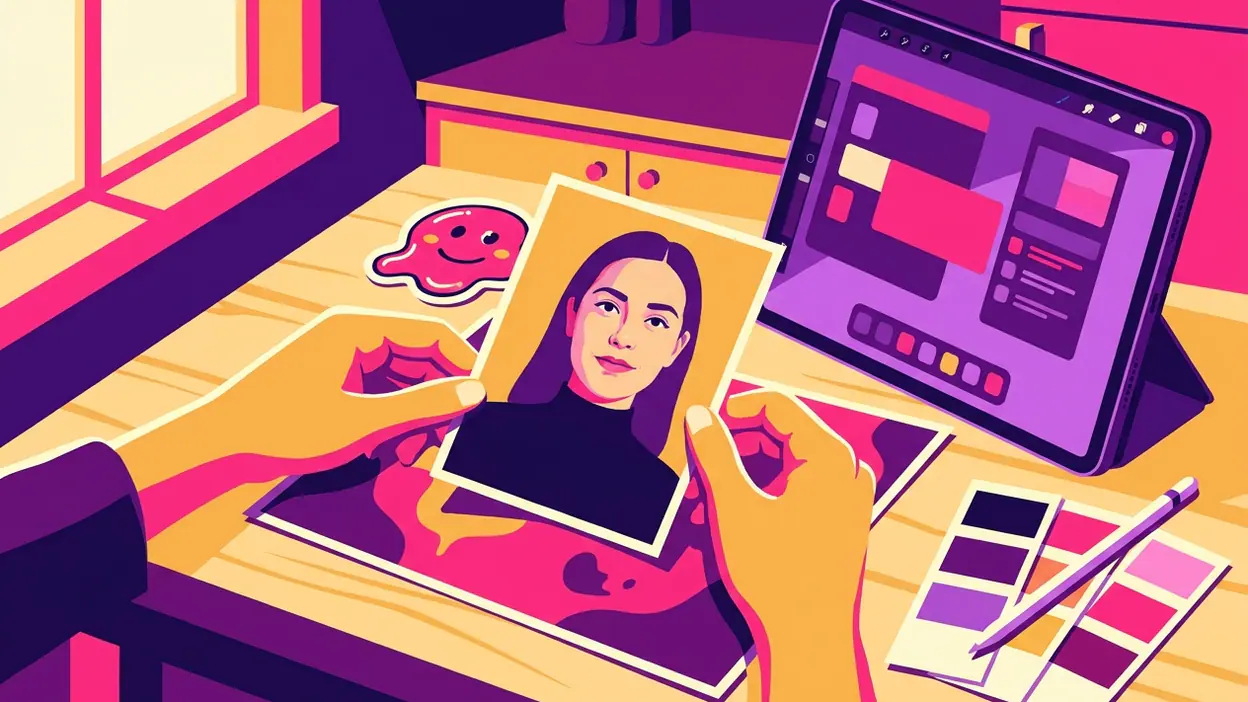
Picsart AI on Mobile: Where Quick Edits Become Designed Posts
 Analysis by Appyee
Phone operating systems have spent the past few years making photos easier to capture, sort, share, and edit without opening a dedicated creative app. That puts a sharper question to Picsart AI Photo Editor, Video: does it still earn a place between the camera roll and the post, or has the phone absorbed the jobs it once owned? After working through its editing tools as a mobile-first creative workspace, my answer is that Picsart remains valuable precisely where Android and iOS stop: turning a quick image into something deliberately designed. Its AI features can compress the tedious parts, but the app still asks for a little patience, a reliable connection, and a willingness to make choices.
Platform changes raise the bar for every editor
Recent Android and iOS updates have shifted expectations more than they have changed any single editing trick. Permission controls are more granular, photo pickers give users ways to share selected images rather than an entire library, and system-level sharing makes it easier to move an image between apps. Newer devices also bring stronger on-device image processing and better cameras, while cloud photo libraries have become part of ordinary phone upkeep.
That is good news for a creative app, but it also removes excuses. Users expect to find a photo quickly, grant only the access they intend, and get back to the result without navigating a maze. Picsart’s job is no longer simply to provide filters; it must make a complicated set of tools feel worth opening when the built-in Photos or Gallery app can already crop, brighten, and share.
The distinction is purpose. A system editor tends to polish the picture already in front of you. Picsart is built for changing what the picture means: isolating a subject, combining layers, adding text or stickers, replacing a background, or making a graphic that can travel across social platforms. OS improvements make the starting point smoother, but they do not erase that creative gap.
What the app gains from a more capable phone
Modern phones give Picsart a better foundation. High-resolution camera images hold up when users crop or cut out a subject, and faster processors make common adjustments feel less like waiting for a desktop. The app can also benefit from system sharing: an image arriving from a browser, messaging app, or camera roll can become the raw material for a new design without a separate import ritual.
AI tools add another kind of speed. Background removal, object cleanup, and generative edits are attractive because they take a task that used to involve careful manual selection and reduce it to a prompt or tap. The best use is practical rather than magical: remove a distracting object, make a product photo cleaner, or create more room around a subject for a social post. Results still need inspection. Hair, translucent edges, busy patterns, and odd lighting can expose the seams, so I would treat an AI result as a draft, not a final verdict.
That balance matters because the phone’s own camera software increasingly applies computational tricks before a picture reaches an editor. Picsart is most convincing when it uses AI to support a human decision, not when it implies that every image can be fixed automatically. Speed is a real gain; dependable judgment remains the user’s job.
What users notice first
The first impression is abundance. The editor brings together familiar adjustments, effects, cutouts, stickers, text, collage tools, templates, and AI-assisted options. That breadth is the point, yet it can make the opening screen feel like a busy creative market rather than a calm editing desk. A person who only wants to straighten a horizon may find the app more elaborate than the task deserves.
Once inside a project, the appeal becomes clearer. A photo can be treated as a base layer instead of a finished object. A portrait can be separated from its background, placed over a new scene, softened with an effect, and finished with typography. Those steps suit the way people actually make social graphics: not a single perfect adjustment, but a chain of small decisions that turns a camera-roll image into a post with a point of view.
There is a learning curve, and the abundance can make features feel closer together than they are. Some tools are quick; others require attention to layers, masks, and detail. I would not describe the app as effortless. I would describe it as approachable once a user knows what they want to make.
The day-to-day shift: from editing photos to finishing content
On a typical phone, the camera roll is an overflow drawer: screenshots, receipts, portraits, memes, and pictures that might become something later. Picsart changes the habit by giving those scraps a destination. A photo that would otherwise be shared untouched can become a thumbnail, an invitation, a collage, or a short visual for a story. That makes the app sticky for people who publish often, because it supports a repeatable job rather than a one-off novelty.
It is less persuasive for casual users who rarely edit beyond a crop. Every additional option has a cost in attention, and a subscription prompt or a premium asset can interrupt a simple session. The strongest day-to-day workflow is therefore focused: choose one image, decide what it needs, use AI only where it saves meaningful effort, and finish in the editor’s more conventional tools. Wandering through effects can be fun, but it is also an easy way to spend time without improving the result.
Video extends the same logic. A mobile creator can make a quick clip feel more composed with effects and visual elements, but Picsart is not a reason to abandon a dedicated video workflow when a project needs precise timing, complex audio, or extensive cutting. Its advantage is convenience for lightweight creative work, not mastery of every production task.
New ecosystem strengths, with an asterisk
Android and iOS have made app boundaries more flexible, but they have not made them disappear. Share sheets and photo pickers help people pass selected material into an editor, while cloud libraries make it easier to work across a larger collection. This is a useful setting for Picsart: the app can enter a workflow at the point where a picture needs transformation, rather than demanding that users organize their whole phone around it.
Privacy controls deserve equal attention. Photo access can be limited on modern platforms, which is better for users and reduces the pressure to grant an editor a view of everything. In practice, the chosen-image workflow is often enough for a single project. People who regularly assemble collages from many sources may prefer broader access, but they should make that choice knowingly. AI processing can also involve network services, so users working with sensitive images should check current privacy and feature disclosures rather than assume every operation happens locally.
There is an asterisk: operating-system features and app behavior change by version, device, and region. An AI tool may require a connection or may not appear for every user. A newer phone can make the experience more responsive, but it cannot guarantee that every feature is available or that every output looks clean.
Compatibility friction is mostly about expectations
Most of the irritation is not a dramatic crash; it is the small mismatch between what users expect and what the app can deliver on their particular device. Older phones may take longer to process large images, complex projects can become cumbersome, and limited storage makes high-resolution source files and exports matter. A slow connection can undermine features that depend on remote processing. Battery use also climbs during long sessions involving large images, multiple layers, or video.
Editing across platforms has its own limits. A project that looks finished on one display may appear too dark, too saturated, or differently cropped elsewhere. Android devices vary widely in screen quality and manufacturer software; iPhones are more consistent but still cannot make every social platform preserve an image exactly as intended. The sensible habit is to preview the final export at its intended size and keep an original copy before applying destructive changes.
Users should also expect a commercial app, not a blank canvas with every tool included. Some content and capabilities sit behind paid access, and the exact mix can change. That does not make the free experience useless, but it does mean that a creator should test the tools they need before building a routine around them.
How rivals respond to the same shift
The contrast with YouTube is useful because its creative tools serve a distribution destination: a creator makes material for a channel, then measures success partly by reach and retention. Picsart’s center of gravity is the asset itself. It helps shape the image or clip before the user decides where it belongs. That difference keeps Picsart relevant even as social platforms add their own stickers, filters, and editing controls.
Wallpapers points to another narrow, effective model. Its job is to help users change the look of a screen, not to provide a broad studio. Duolingo: Language Lessons and Brain Test: Tricky Puzzles, though unrelated categories, show how focused apps build habits around a clear repeatable action. Picsart is more open-ended, which gives creators room but makes its value harder to explain in one sentence. Its challenge is to make the next useful action obvious without flattening the creative range that brings people back.
Built-in editors remain the toughest everyday competition. They are already present, open quickly, and cover basic corrections. Picsart wins only when a user wants composition, design, or a substantial transformation that the system editor does not make comfortable. The app does not need to beat the phone at every edit; it needs to make the extra step feel worthwhile.
What this says about the direction of mobile
Mobile creativity is moving toward a division of labor. The operating system manages capture, access, and quick fixes; specialist apps handle intent, style, and more involved construction. AI sits between those layers, automating the fiddly operation while leaving the larger creative choice to the person. Picsart’s strongest future is not a button that makes every image perfect. It is a workspace where a user can move from a rough idea to a usable design without changing devices or learning a professional desktop suite.
That future will depend on restraint. More generative options can make an editor feel powerful, but they can also turn it into a catalogue of effects that all compete for attention. Good mobile design should make the useful tool discoverable, explain what it will change, and let people refine the result afterward. The best AI feature is often the one that saves five tedious minutes without making the final image look like the app made it.
Who should make room for the shift, and what to watch next
The best fit is a frequent visual maker who wants a compact studio, not a one-tap filter. Social creators, small sellers, students making presentation graphics, and anyone who regularly assembles images will get more from Picsart than someone who only brightens vacation photos. The app also suits people who enjoy experimenting, provided they are comfortable steering the tools rather than accepting the first result.
For everyone else, the decision is simple: try the free workflow on a real task. Remove a distracting object, make a clean post, or build a collage from pictures you already have. If that process saves time or helps you make something you would not have made in the built-in editor, Picsart has earned its place. If you only need routine corrections, the phone’s own tools are likely enough.
The next things to watch are less flashy than a new AI button: whether processing becomes more predictable across devices, whether users get clearer control over image access and cloud handling, and whether the interface makes premium boundaries easier to understand. Those details decide whether a creative app becomes a habit or an occasional detour. Picsart AI Photo Editor, Video is strongest as a bridge between a phone’s effortless capture and the more deliberate image a person wants to share. Android and iOS keep making the first half easier; Picsart still has to earn the second.


