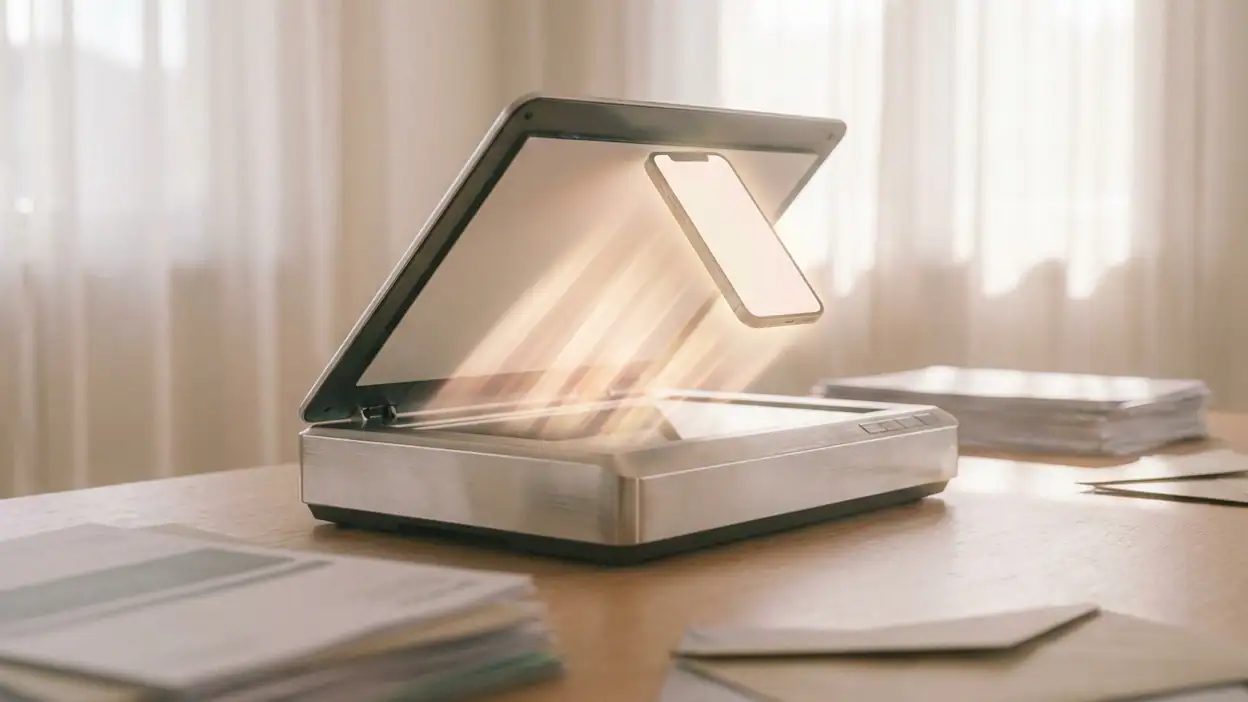
TapScanner: Your Smartphone's Secret Scanning Power
 Analysis by Appyee
We’ve all been there: standing in line at the post office, urgently needing a scanned copy of an important document, and realizing we left it at home. PDF Scanner app - TapScanner swoops in as a game-changer, turning your smartphone into a portable scanner, a savior in those frantic moments when traditional scanning just isn’t possible.
TapScanner elegantly solves the problem of cumbersome scanning. With just a few taps, it cleans up your documents, automatically detects edges, and ensures everything is perfectly aligned. The magic lies in its simplicity and the seamless way it integrates into everyday tasks, making it a must-have in your digital toolkit.
What makes TapScanner indispensable is its impressive OCR (optical character recognition) feature. It quickly translates scanned text into editable documents, a feature that stands out from competitors like Adobe Scan, where the OCR might not feel as intuitive. Whether you’re a student needing to convert handwritten notes or a professional handling contracts, TapScanner delivers precision and clarity.
Everyday scenarios where TapScanner shines include scanning receipts for expense reports, digitizing notes from a whiteboard after a meeting, or simply capturing a page from a book. It’s particularly useful for freelancers and small business owners who need to maintain organized records without investing in bulky hardware.
In terms of time-saving, TapScanner is a powerhouse. It eliminates the need to search for a physical scanner, and the swift processing ensures you’re not stuck waiting for documents to upload. Its integration with cloud storage services like Google Drive and Dropbox means your files are where you need them, when you need them.
The app removes friction by offering a straightforward user interface, unlike some complex competitors. It’s intuitive, ensuring that even less tech-savvy users can navigate it without a hitch. This ease of use is a breath of fresh air in a world of over-complicated apps.
Setting up TapScanner smartly involves syncing it with your preferred cloud service right away. This way, every scan is automatically backed up, reducing the risk of misplacing important documents. Customizing scan settings to your specific needs, such as adjusting color or contrast, enhances the output quality.
Who should install TapScanner first? Anyone who frequently deals with paper documents on the go. From students to business professionals, this app caters to a wide audience. It’s particularly beneficial for remote workers who need to digitize documents without access to office equipment.
There’s always room for improvement. TapScanner could benefit from enhanced collaboration features, allowing multiple users to edit and annotate shared documents. Additionally, while the app is generally smooth, occasional lag during high-resolution scans could be optimized further.
In conclusion, PDF Scanner app - TapScanner is an essential addition for anyone looking to increase their productivity and simplify document management. It’s more than just a utility; it’s a reliable partner in your daily workflow, making document handling as easy as snapping a photo.


