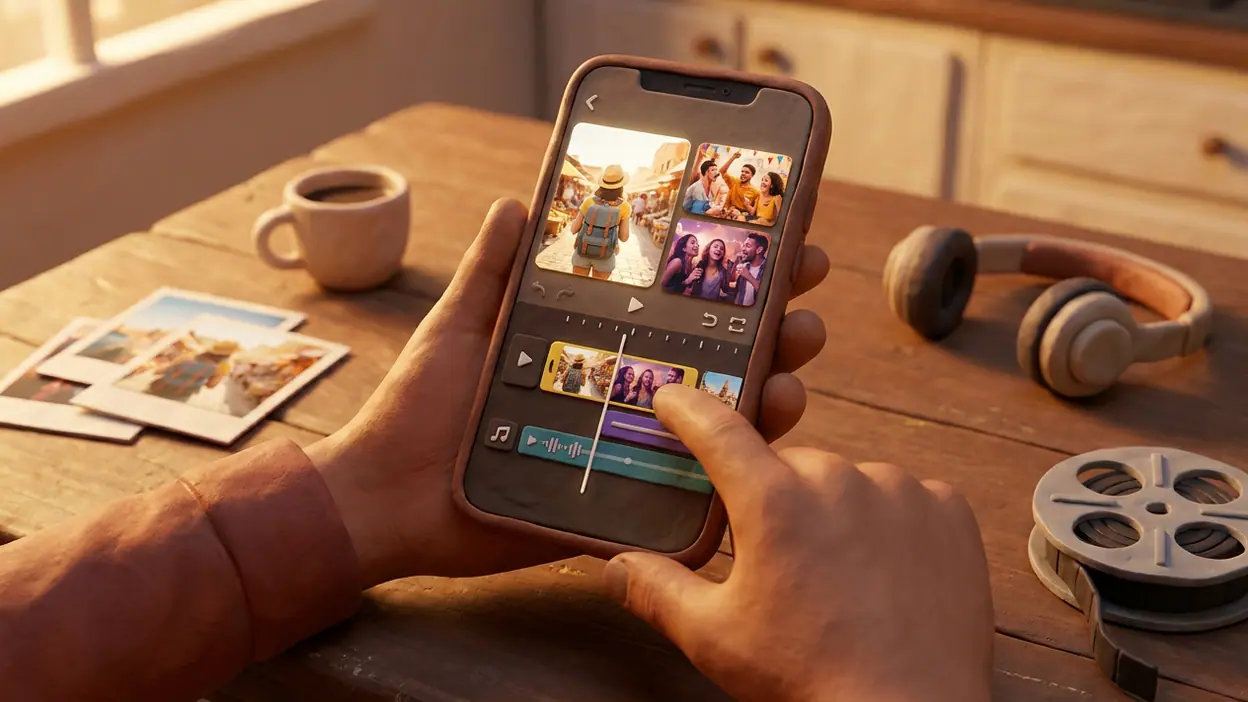
Video Maker Music Video Editor: Speed in Short-Video Boom
 Analysis by Appyee
Video editing has become a small, recurring job for anyone who shares a trip, a birthday, a product, or simply a good afternoon. The latest wave of AI-assisted tools is built around that reality: get from scattered clips to something postable before the moment loses its shine. Video Maker Music Video Editor is positioned squarely in that rush, promising a quick route to music-led edits. Its appeal is easy to understand; the bigger question is whether a fast start can become a habit rather than a one-off shortcut.
That question matters now because the category is being pulled in two directions. Social platforms reward frequent, polished video, while most people still do not want to learn a full editing suite. A mobile editor that can make a sequence feel intentional with little setup has a clear opening. This app’s pitch, summarized as an AI Video Maker, lands at the intersection of convenience and creator culture: less time arranging clips, more time sharing the result.
Speed is the product story
The timing is not accidental. Short-form video has trained users to expect visual rhythm, music, and a clean opening almost by default. Even a casual recap can feel unfinished if it is just a row of clips with no pacing. That expectation creates demand for tools that take on the fiddly parts: choosing a sequence, syncing cuts to a track, and adding enough visual treatment to make ordinary footage feel composed.
For an app in this lane, the first win is not an elaborate feature list. It is getting a user from camera roll to a shareable draft without making them stop and study. Video Maker Music Video Editor is attractive as a low-friction option for that job. The name itself puts the central promise up front: video, music, and editing in one place. That clarity can help an app catch attention in a crowded store, especially among users who want an outcome rather than a new hobby.
There is also a broader shift behind the AI label. People increasingly expect software to make useful decisions for them, not merely provide controls. In video, that can mean turning a handful of clips into a coherent sequence, or making a template do more than apply a filter. The label sets a high bar, though. Users will judge the result less by whether a feature is called AI and more by whether it saves time without making every edit look interchangeable.
What the momentum needs to prove
Install momentum is a useful signal, but it is not the same as lasting demand. Editing apps often get a burst of curiosity when a template trend catches on or a user needs a quick project. The harder test comes later: do people return for the next event, trip, or batch of clips? For this app, repeated use likely depends on a simple loop—select footage, find a treatment that fits, adjust the music or pacing, and export without friction.
That loop also explains why the product experience matters more than a headline claim. A first-time editor needs to see what to do next. A returning user needs enough choice to avoid making the same-looking video again. If the workflow feels direct but the output lacks flexibility, the app can win a download and lose the user. If it provides too many controls too soon, it risks recreating the complexity people came to escape.
The strongest potential signal is therefore behavioral rather than promotional: users should have a reason to reopen the app after their first export. A library of useful styles, dependable music handling, and quick ways to revise a draft can make the tool part of a routine. But no install chart can confirm that on its own. Without transparent, comparable retention data, growth claims should be read as evidence of interest—not proof that the app has secured a durable place in people’s workflows.
What has changed around the product is also part of the story. AI has become a category-wide expectation, and app makers now have to show how automation improves a real task. For this editor, the useful promise is not that a machine can make a video by itself. It is that a person can spend less time on repetitive decisions while keeping control over the memory, message, or mood they want to share. That distinction separates practical assistance from a feature label doing all the work.
A crowded field, with different definitions of fast
The competition makes the position clearer. GoPro Quik: Video Editor is associated with rapidly assembling action footage and travel memories; its appeal is tied to a particular kind of camera-to-recap workflow. Screen Recorder - XRecorder centers on capturing activity on screen, while Background video recorder serves a different recording need altogether. YTV Player Pro belongs to playback rather than creative editing. These are not interchangeable products, and that is precisely the point: users choose an app based on the moment they are trying to solve.
Video Maker Music Video Editor has to make its own moment obvious. Its natural territory is the casual, music-led montage: a set of clips that needs pace and a finished feel, not a deep production pipeline. That is a meaningful audience, but it is also an audience with alternatives built into social platforms and phone galleries. The app must make the finished result feel worth the extra step of opening a separate editor.
Its strongest ground is likely the middle between no editing and professional editing. Built-in platform tools can be convenient, but they often keep the process tied to one destination. A dedicated editor can give users more room to prepare a video before deciding where it belongs. At the other end, advanced suites offer control that many casual users never need. A focused tool can win by making the middle ground feel generous rather than limiting.
Ordinary users notice the small things first. Does the preview make the sequence easy to judge? Can they change the mood without rebuilding the whole project? Does the music sit naturally against the footage, and can they tell what the final export will look like? Those details determine whether “quick edit” means genuinely quick or merely a short path to a result that still needs fixing elsewhere.
The best kind of automation is the kind users barely have to think about. If the app’s AI-assisted approach helps create a coherent first draft, then lets people make a few meaningful choices, it has a practical advantage. If the template or automated treatment dominates the footage, the output may feel like an app demo instead of someone’s own memory. In a feed full of polished clips, that sense of personal ownership matters more than another transition effect.
Where the promise remains fragile
The risk is that speed becomes sameness. Templates can lower the barrier to entry, but repeating the same timing, visual treatment, and musical cues across unrelated videos quickly exposes the machinery. A user may accept that trade for a one-time birthday recap. Someone making clips every week will want enough control to develop a recognizable style, or at least to make each project feel suited to its subject.
Reliability is another quiet pressure point. Video exports are unforgiving: a stalled render, awkward crop, unexpected quality drop, or confusing save location can erase the convenience that brought a user in. Music rights and availability can also shape what people can actually share, depending on the app’s choices and the destination platform. These are not glamorous details, but they are central to whether an editor earns trust after the first project.
There is a limit to what can responsibly be claimed about the app’s rise without public, apples-to-apples figures for active users, repeat exports, or retention. A prominent AI pitch and visible interest can explain why it is relevant; they cannot establish that it is outperforming better-known rivals. The prudent read is that the product is competing in a favorable moment, while its long-term position still depends on execution and repeat use.
That caveat does not make the opportunity less real. The audience for quick video creation is broad because the raw material is already there: phone footage collected every day. The challenge is turning that material into something people are happy to post, without asking them to become editors. If the app reliably shortens that distance, it can be useful even if it never becomes the most sophisticated tool in the category.
For users, the appeal is practical rather than technical. A music-led editor can rescue a collection of clips from the camera roll and give it a beginning, middle, and end. For the business, the same convenience must support repeat behavior, not just a one-time download. That is the dividing line between a timely utility and a durable product: the first export earns attention; the next few determine whether the app has earned a place on the home screen.
There is a larger lesson here for mobile software. AI is most persuasive when it compresses a task users already understand, then leaves them with a result they can recognize as their own. Video creation is an ideal test because the output is public and personal at once. An editor can save minutes, but it cannot manufacture taste or a reason to share. The winning tools will respect both sides of that equation.
My newsroom read is that Video Maker Music Video Editor arrives in the right market at the right moment, with a simple promise that matches how many people actually make videos: quickly, on a phone, and with music doing much of the emotional work. That gives it a credible opening, not an automatic victory. Its momentum will mean more if the first convenient edit becomes the first of many—and if each one still feels like the user’s video, not the template’s.


