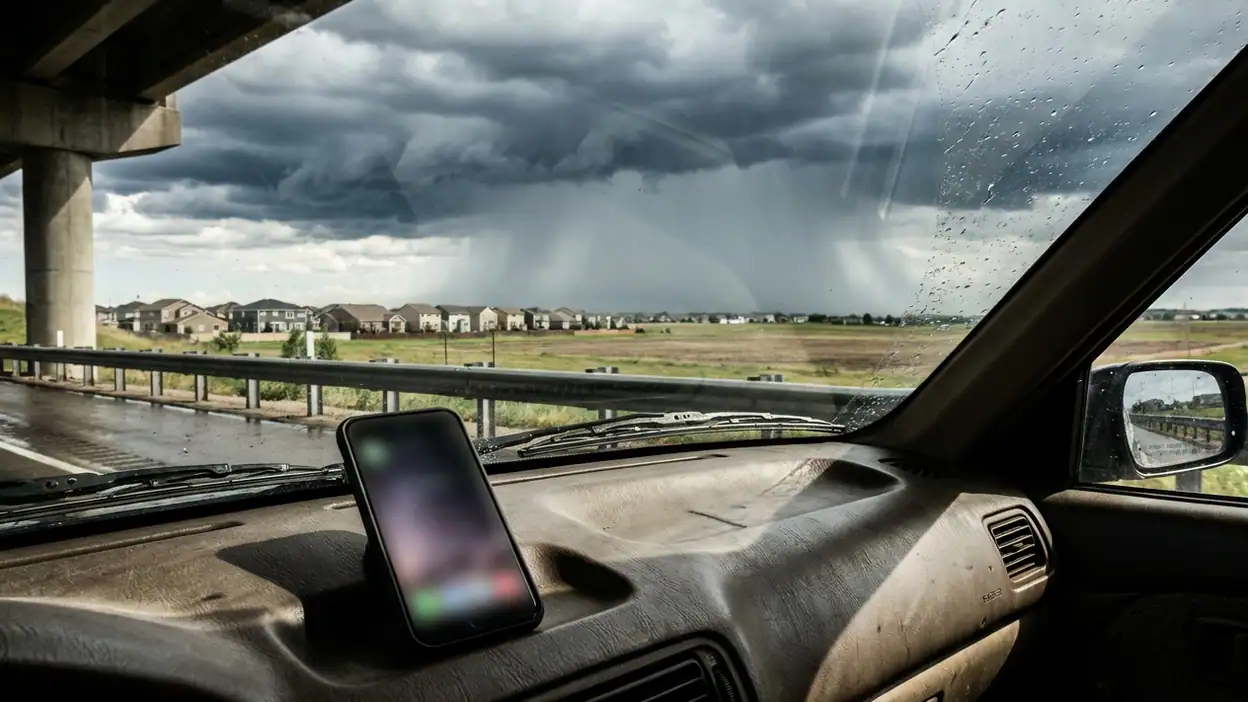
Weather & Radar Turns Approaching Storms Into a Live Countdown
 Analysis by Appyee
The most unsettling moment in a weather app is not seeing a storm icon. It is watching a blue mass move across the map toward your street, knowing the forecast has stopped being a distant prediction and become a countdown. That is the central trick of Weather & Radar - Storm radar: it turns weather from a row of temperatures into a live situation, and it makes the next hour feel more important than the next seven days.
That sounds like a small distinction until you use it before a commute, a school pickup, a bike ride, or an outdoor event. A conventional forecast tells you what the day is expected to look like. Weather & Radar asks a more practical question: what is happening near me right now, and what is likely to arrive next? The answer comes through radar animation, precipitation timing, warnings, and a dense but readable set of local conditions. The result is not always calm. It is often exactly the opposite. But it is useful in the way a good weather tool should be.
The forecast becomes a live event
Weather apps have spent years competing over accuracy, design, and the number of data points they can squeeze onto a screen. Weather & Radar takes a more direct route. Its strongest feature is not a clever sentence about tomorrow's high temperature. It is the feeling that the sky above you has been connected to a moving picture.
Open the app and the experience quickly shifts from passive checking to active monitoring. The main conditions are easy to find, but the radar map gives the product its identity. Rain bands, snow systems, and storm cells become visible as patterns with direction and momentum. You can zoom out for the larger weather system, then return to your neighborhood to judge whether the worst of it is ten minutes away or still well beyond the horizon.
That change in perspective is why the app feels bigger than a standard forecast widget. A temperature reading describes a moment. A radar loop describes a developing story. It shows whether rain is fading, building, splitting around your area, or arriving with enough force to change your plans. The information is still imperfect, of course, but the presentation encourages the right kind of attention.
The app at the center
Weather & Radar is built around a broad collection of familiar weather functions: current temperature, hourly forecasts, daily outlooks, precipitation details, wind, visibility, and alerts. None of those ideas is new by itself. The difference is how the app places them around the radar experience instead of treating the map as a decorative extra.
The interface generally rewards short visits. You can check the current conditions in seconds, glance at the next few hours, and leave. But it also supports a deeper look when the weather is unstable. The map invites you to scrub through time, inspect movement, and compare what the radar suggests with the written forecast. That makes the app useful both for the person who wants a quick answer and for the person who is already standing by a window listening to thunder.
I also appreciate that the app does not force every piece of information into the first view. Weather data can become unreadable when every metric receives equal visual weight. Here, the most urgent information tends to be the easiest to spot: current conditions, precipitation, warnings, and the immediate outlook. The rest is available without turning the opening screen into a spreadsheet.
There is a trade-off. A radar-focused weather app can feel busy, particularly when several layers, alerts, and forecast panels compete for attention. New users may need a little time to understand what each color and animation means. The app is more informative than elegant in those moments. Still, that density feels connected to the job rather than added for show.
Why attention spikes when the sky changes
Weather apps are usually background utilities. People open them in the morning, before leaving work, or after noticing a sudden drop in temperature. Weather & Radar becomes more compelling when the forecast is uncertain. A clear day requires little interpretation. A line of storms crossing a city creates a reason to keep checking.
This is where the app's radar presentation earns its place. A warning in text can be easy to dismiss, especially when it describes a large region. A moving map feels personal. It lets you see the distance between the weather and your own location. That visual relationship creates urgency without needing sensational language.
The attention spike is also practical. If rain is expected sometime between noon and midnight, that information is too broad to guide a decision. If the radar suggests a dry gap in the next forty minutes, the forecast becomes actionable. You can walk the dog, leave for the station, bring in laundry, or postpone a drive with a clearer sense of risk.
That is the app's most persuasive argument: it does not merely tell you that weather exists. It helps you decide how much the weather matters right now.
The surprising detail is not the storm
The most surprising detail is how quickly the app changes your relationship with uncertainty. I expected the radar to be useful during heavy rain, but its value appears earlier, when the forecast is still ambiguous. A gray afternoon can look harmless in a daily summary. On the map, a narrow band moving steadily toward your location tells a different story.
That visual evidence does not guarantee perfect timing. Radar estimates can be affected by terrain, distance, atmospheric conditions, and the limits of the underlying data. Yet the app gives uncertainty a shape. Instead of wondering whether a forecast has changed, you can inspect the latest movement and make a judgment.
It is a small but important distinction. Many forecast apps present uncertainty as a percentage. Weather & Radar presents part of it as motion. For ordinary users, motion is often easier to understand than a number that changes from 30 percent to 60 percent without explaining what that means for the next hour.
The real user tension
The tension in a weather app is simple: people want confidence, but weather refuses to provide it. An app can show a precise temperature, a precise rain chance, and a precise arrival time, yet the atmosphere remains messy. The more exact the interface looks, the more users may assume the forecast is exact too.
Weather & Radar handles that tension reasonably well by combining several views instead of pretending that one number settles the question. The hourly forecast gives structure. Radar gives movement. Alerts add urgency. Wind and visibility add context. Together, they let the user form a more realistic picture, even when the answer is still uncertain.
But this is also where the app can frustrate. Frequent notifications may feel excessive if you live in a region with regular weather changes. Advertising and premium prompts can interrupt the otherwise focused experience, depending on the version and settings available on your device. Some of the richer data and customization options may sit behind a subscription, which is understandable for a service built on ongoing data costs but less pleasant for someone who only wants a clean forecast.
The app also asks users to pay attention. A simple weather widget can be checked without thought. A radar map rewards interpretation. For some people, that is the point. For others, it may be more information than they wanted before breakfast. Weather & Radar is strongest when the user needs to make a decision, not necessarily when they want a decorative glance at the temperature.
What the rivals reveal
Looking at rival apps clarifies the choices here. 1Weather Forecasts & Radar tends to appeal to users who want a broad forecast package with a polished, accessible presentation. AccuWeather: Weather Radar leans heavily on its established forecast ecosystem, alerts, and detailed weather reporting. The standard Weather, Transparent clock and weather category often prioritizes a glanceable home-screen experience, where the forecast sits beside the clock and disappears into the daily routine.
Weather & Radar sits closer to the active-monitoring end of that spectrum. Its identity is not just that it has radar, but that radar shapes the way the forecast is understood. That makes it particularly convincing for changing conditions, travel planning, outdoor work, and anyone who has learned that a daily forecast can hide a very different next thirty minutes.
The comparison also exposes a matter of taste. A user who wants the shortest possible answer may prefer a simpler weather app. Someone who wants a large collection of forecast details may gravitate toward AccuWeather. But if the question is whether rain is moving toward a particular place, Weather & Radar makes a strong case by putting the evidence in front of you instead of burying it behind another menu.
In other words, the rivals show that Weather & Radar is not trying to win every weather-app category at once. Its best argument is narrower and more convincing: the map should be the first explanation when the weather is moving.
What feels genuinely new
There is no single feature here that reinvents weather forecasting. That is not a criticism. In a mature category, novelty often comes from emphasis, timing, and the way familiar tools work together.
Weather & Radar makes the transition from forecast to observation feel unusually clear. The app does not leave current conditions, future predictions, and radar movement in separate conceptual boxes. It encourages you to compare them. Is the rain on the map matching the rain expected in the hourly forecast? Is the wind strengthening as the front approaches? Is the warning relevant to your exact location or only to a wider area?
That habit of comparison is what feels fresh. The app gives users a reason to look at weather as a changing system rather than a fixed daily label. It also makes the forecast more legible for people who think visually. A moving band of precipitation can communicate in seconds what a paragraph of forecast text might take much longer to explain.
The product is at its best when it refuses to make the weather seem tidier than it is. Clouds do not arrive according to a neat schedule, and Weather & Radar's layered view preserves some of that complexity while still giving the user a practical route through it.
Why this matters beyond the hype
The dramatic language around storm tracking can make weather apps sound like entertainment. Weather & Radar is more valuable when it stays grounded in ordinary decisions. A delivery driver can judge whether a route is about to become difficult. A parent can decide whether to leave early for an activity. A runner can wait for a gap instead of abandoning a workout. A traveler can see that the weather problem is not the entire day, but one moving system crossing a particular corridor.
Those decisions may sound minor, yet they are exactly where a mobile app earns trust. A forecast is not useful because it contains more data than its competitors. It is useful because the data changes what someone does. The radar view gives Weather & Radar a direct connection to that moment of choice.
There is also a broader reason this matters. Extreme weather is becoming harder for many people to treat as an occasional interruption. Sudden downpours, fast-moving storms, heat, snow, and high winds can affect transport, work, and safety. No app replaces official emergency guidance, and users should never treat a consumer forecast as a guarantee. But a clear local view can help people notice developing conditions earlier and respond with better information.
That responsibility makes clarity more important than spectacle. Alerts should be understandable. Maps should not hide the user's location. Forecast confidence should not be implied by excessive decimal points. Weather & Radar mostly succeeds because its strongest visual feature is also its most honest one: it shows weather moving, with all the uncertainty that movement entails.
The cost of staying informed
A serious review also has to talk about the price of attention. Weather apps can become noisy. Notifications accumulate, premium features appear at the edges of the interface, and a forecast that should take five seconds can turn into a tour of settings and promotional panels.
Weather & Radar is not immune to that pressure. The more layers and services it provides, the more tempting it becomes to keep adding options. Users who want the cleanest possible experience may find the full product more crowded than expected. The app can also make you check the radar more often than necessary, particularly when a storm is nearby but not actually a threat.
That is the paradox of a good live weather map: it is useful because it creates a stronger sense of the present, but that same immediacy can encourage needless monitoring. The responsible way to use it is as a decision tool, not as a constant alarm. Check when conditions matter, compare the radar with official warnings, and remember that a moving color pattern is information rather than a promise.
The verdict arrives with the next dark cloud
After spending time with Weather & Radar, I would not describe it as the most relaxing weather app. It is more alert than that. It pulls the forecast closer, gives precipitation a direction, and makes the next hour feel tangible. That can be slightly overwhelming on a quiet day, but it becomes a genuine advantage when the sky is changing.
The app's weaknesses are familiar: a busy interface, possible subscription pressure, advertising in the free experience, and the unavoidable limits of weather data. None of those problems cancels out its central strength. Weather & Radar understands that most people do not need a perfect description of the entire atmosphere. They need to know whether the weather is about to interfere with a plan.
That is why the app leaves a stronger impression than a basic temperature forecast. It does not promise control over the sky. It gives you a better view of what is approaching. When the radar begins to fill with color and the line of rain starts edging toward your location, the app delivers its clearest message without saying much at all: the forecast is no longer tomorrow's problem. It is already on the way.


